
Latest Updates & News


Shortcut! Making Sub and Superscript Text
Here is a shortcut on Word: If you need to make sub or superscript text (think exponents for superscript), press CTRL + = for subscript and CTRL + SHIFT + = for superscript. Want more tech tips? RedOrum has got you covered. We have compiled a list of technology...
iPhone Calculator Trick
Did you know that on an iPhone, you can delete the last digit in the calculator by swiping? Who doesn’t love helpful hints? RedOrum has got you covered. We have compiled a list of technology related tips to make your life easier. Follow @RedOrum on Twitter or like us...

Why Buying Followers can Damage Your Business
There is a common saying that goes, “there’s no such thing as a shortcut to success.” This adage holds true even in an age where technology demands more in less time. Having many followers, likes, and fans through social media looks good for a business. Many...

The Anatomy of Typography Infographic
In today's digital culture, more than ever are people noticing the subtle elements of typography and the design that permeates around the typeface. There is a variety of elements that impacts the design of a font so we have broken down the details to explain an...

Microsoft KB 3114409 patch causes issues with Outlook 2010
Tuesday December 8th, 2015 Microsoft released an update KB 3114409 intending to prevent issues with Outlook 2010 starting in safe mode, but in fact has done just the opposite! Those who had auto updates turned on or performed an update through Microsoft yesterday and...
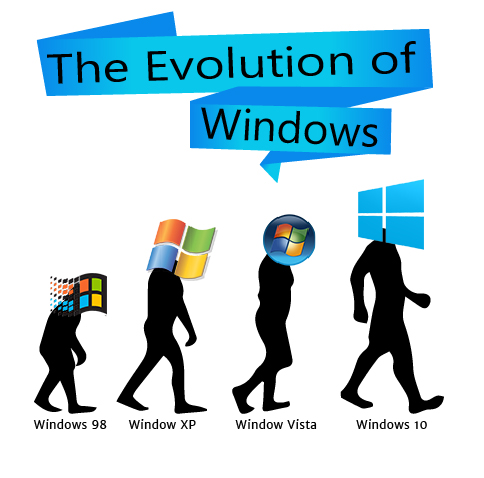
Windows 10 Automatic Download
With so many PC users running into malware due to outdated security patches, Microsoft has taken initiative to automatically upgrade Windows 7 or 8 users to it’s newest edition, Windows 10. Starting 2016, Windows 10 will become a “recommended update” which means users...